Available everywhere
Desktop, mobile, or web – choose the platform that best fits your workflow. All your meetings are automatically synchronized.
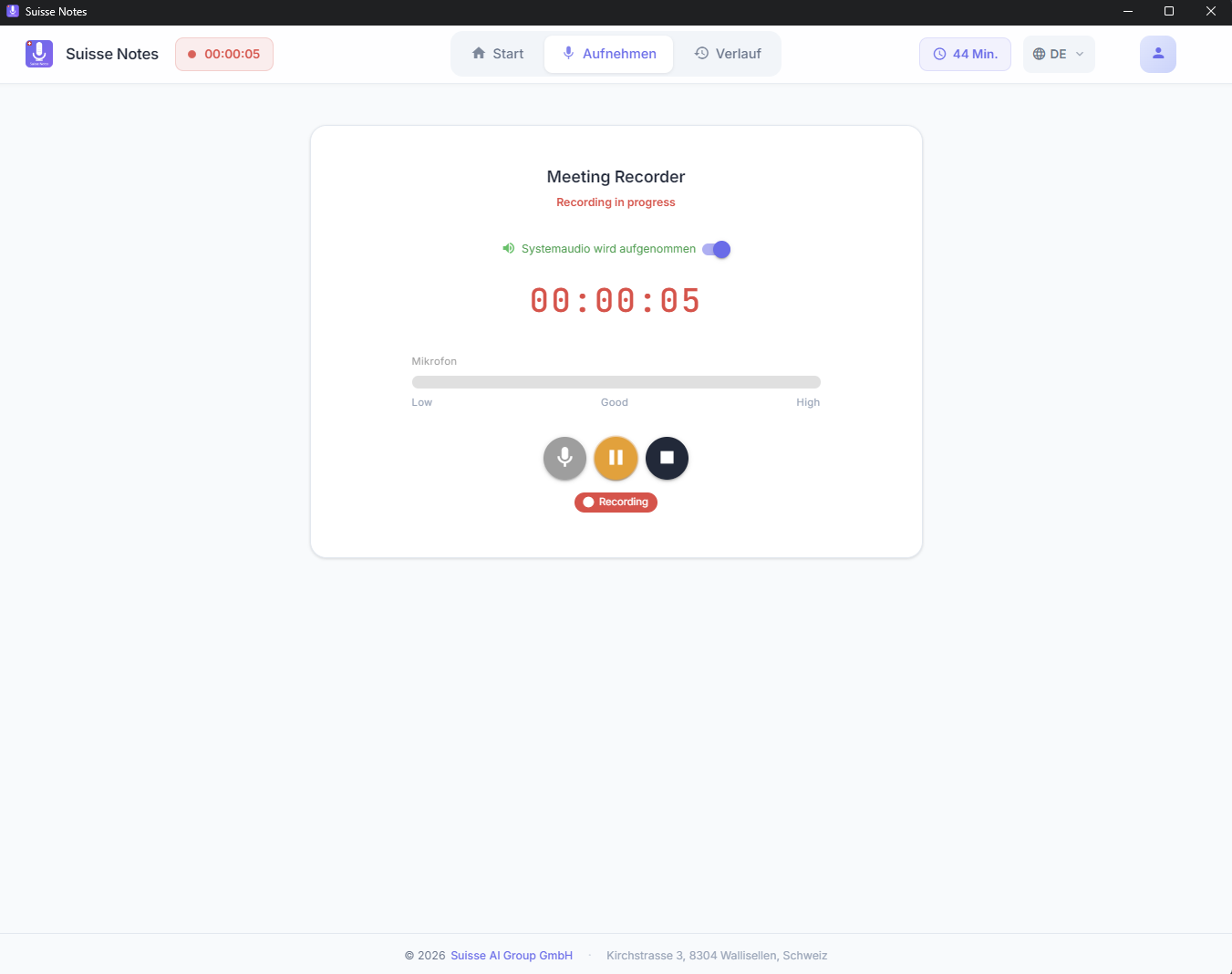
Desktop App
The full power of Suisse Notes on your desktop. System-wide recording, global hotkeys, tray integration, and offline functionality. Perfect for daily use.
- System-wide audio recording from any application
- Global keyboard shortcuts (Start/Stop/Bookmark)
- Automatic startup with the system
- Tray integration with live status
- Offline recording with later processing
- Automatic background updates
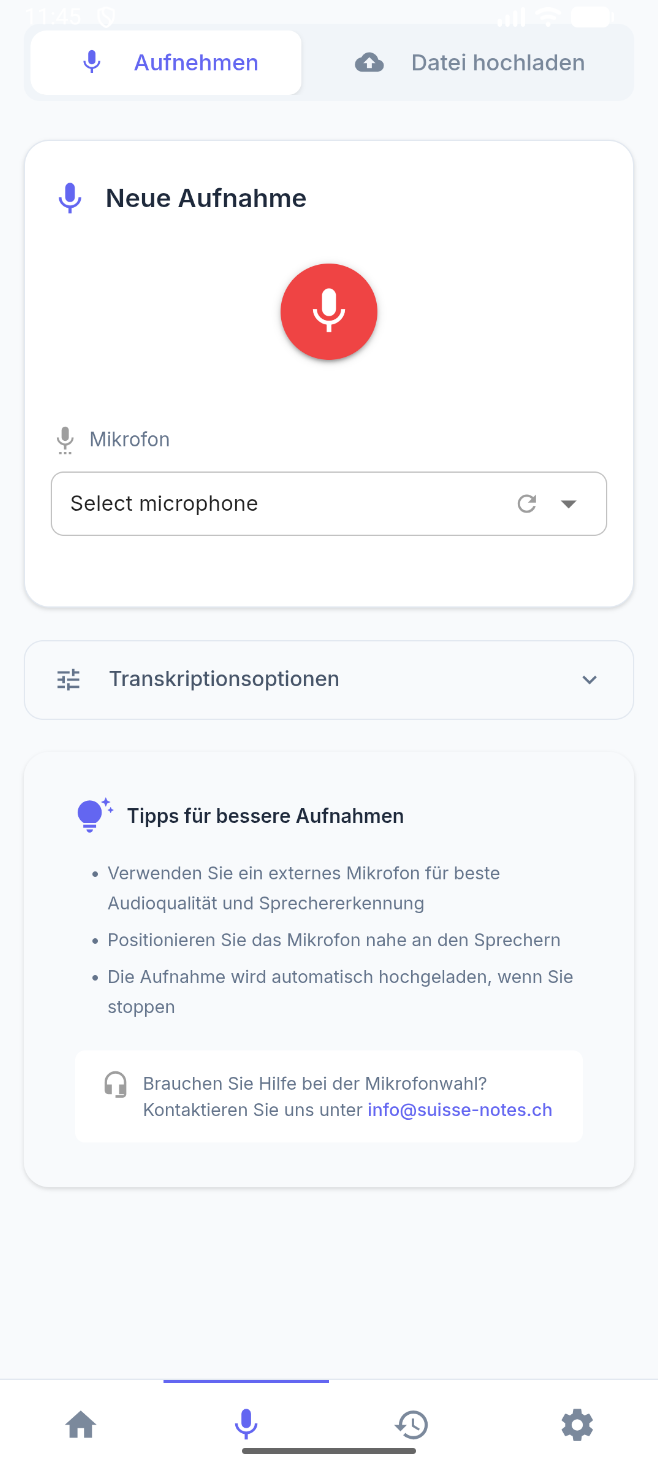
Mobile App
Record and manage meetings on the go. Perfect for field appointments, conferences, and spontaneous conversations. With push notifications for new transcripts.
- High-quality recording on the go
- Push notifications when transcripts are ready
- Offline access to all your meetings
- Touch ID / Face ID security
- Quick recording from the lock screen
- Sync with desktop & web
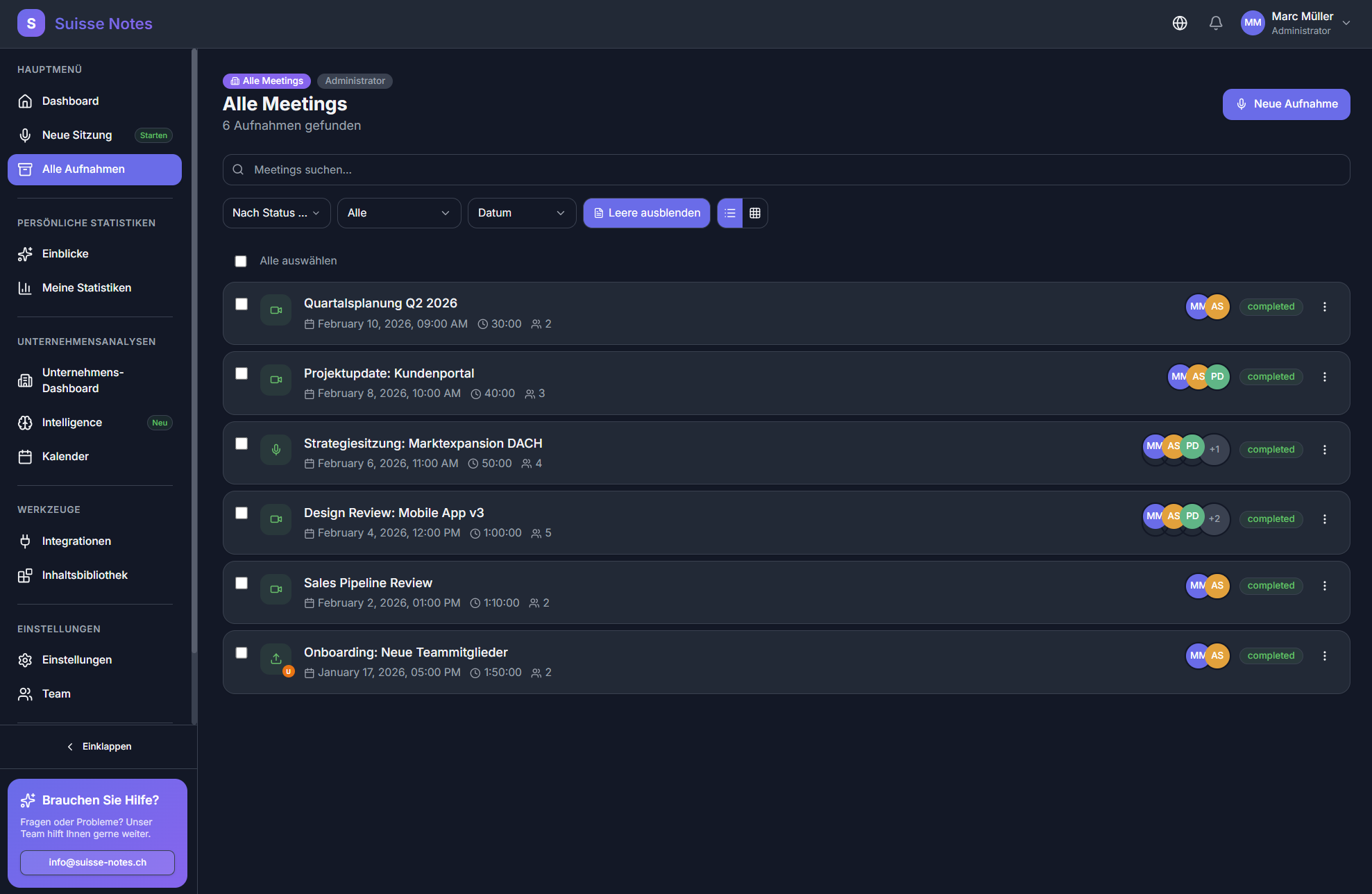
Web App
No installation required. Open the web app in your browser and get started immediately. Full functionality, always up to date.
- No installation required
- Always the latest version
- Platform-independent on any device
- Tab-based recording in the browser
- Full platform functionality
- Quick access from anywhere
Bot Auto-Join – your meeting assistant
Connect your calendar once – from then on, Suisse Notes automatically joins every meeting. The bot joins on its own, records, transcribes, and creates summaries. You no longer need to start anything manually.
- Works with Microsoft Teams, Zoom, and Google Meet
- Native Teams integration – the bot does not appear as a separate participant
- Automatically detects meetings from Google and Outlook calendars
- You decide: which meetings are recorded and which are not
- Joins even when you are unable to attend yourself
- For teams: centralized management for all employees
Sprint Planning
Teams
Sales Review
Zoom
1:1 with Anna
Meet
Even more options
In addition to the apps and the bot, there is another way to capture your meetings.
File Upload
Upload existing audio and video files and let the AI transcribe and analyze them. Supports all common formats.
- MP3, WAV, M4A, MP4, MOV, and more
- Batch upload of multiple files
- Up to 4 hours recording length
- Automatic language & speaker detection
Everything synchronized
No matter which platform you use – all your meetings, transcripts, documents, and AI analyses are available everywhere and synchronized in real time.
Ready to unlock the full value of your meetings?
Start for free – no credit card, no subscription. Simply sign up and get started instantly with Teams, Zoom, and Google Meet.